
Watchers on eBay are shoppers who tapped the watch button on your listing, adding it to their private watch list so they can track it. A watcher count signals real buyer interest, but watchers are not bids or commitments, and most of them need a reason (usually a price nudge) before they buy.
This guide explains what watcher numbers actually tell you, the mistakes sellers make chasing them, and the exact playbook for turning watchers into orders.
What a Watcher Actually Is
When a shopper watches your listing, eBay saves it to their watch list and notifies them about changes like price drops or low stock. Sellers see the total watcher count per listing in Seller Hub, but never the identities behind it.
Watchers accumulate for different reasons, and the mix matters more than the number:
| Watcher type | What they want | How to convert them |
|---|---|---|
| Price waiters | The same item, cheaper | Send offer, price drop |
| Comparison shoppers | Reassurance yours is the best pick | Better photos, item specifics, returns policy |
| Competitors | Market intel on your pricing | Nothing, ignore them |
| Later buyers | The item, but not today | Send offer with urgency window |
| Auction snipers | To bid in the last minute | Nothing, they convert themselves |
On fixed-price listings (most dropshipping inventory), price waiters and comparison shoppers dominate. That is good news, because both respond to actions you control.
What Watcher Counts Tell You About a Listing
Read watchers as a diagnostic, not a scoreboard:
- High watchers, healthy sales. The listing works. Protect it: keep stock available and price stable.
- High watchers, no sales. Demand exists but something blocks checkout. In order of likelihood: total price above market once shipping is added, photos that leave doubts, missing item specifics, or a slow delivery estimate next to competitors offering faster shipping.
- Few watchers, few views. The problem is upstream in search visibility. Your title and item specifics are not matching queries. A keyword-driven title builder fixes the title half, and our item specifics guide covers the rest.
- Watchers spiking on one product. Market signal. Consider raising stock, testing a small price increase, or duplicating success with related items.
The Risks: How Sellers Burn Watchers
Chasing watch counts with artificially low prices. Some sellers list at cost to farm watchers and then raise the price. Watchers get notified of price increases too, and the watch list quietly empties. Price changes should move down or stay put on watched listings.
Ending and relisting watched items. Ending a listing deletes its watchers permanently. Sellers who relist to reset the clock throw away their warmest audience. Use sell similar for new items, but let watched listings run.
Spamming maximum-frequency offers. eBay limits how often watchers receive offers from the same listing, and shoppers ignore offers that arrive constantly at token discounts. A 5 percent offer on an overpriced item converts nobody and trains watchers to wait you out.
Ignoring the checkout blockers. No offer discount fixes a listing where shipping doubles the price at checkout. Fix the total-price picture first, then send offers.

How to Convert Watchers Into Sales, Step by Step
1. Turn on Send Offers
In Seller Hub under Active listings, eligible listings show a Send offers option. Set a discount of at least 5 percent (8 to 15 percent is the sweet spot for typical dropshipping margins), and eligible watchers get a 96-hour offer notification. Better: enable automatic offers on your listings so every new watcher gets the nudge without you lifting a finger.
Before setting the discount, check your real margin with the eBay fee calculator so the offer price still clears fees and supplier cost.
2. Use price drops strategically
Watchers get notified when a watched listing's price falls. A visible 10 percent drop often outperforms a private offer because it also improves your position against comparison shoppers. Combine with a marked-down sale event for category-wide effect.
3. Create honest urgency
Low-stock indicators trigger watcher notifications. When your quantity drops to the last few units, eBay does the urgency marketing for you. Keep listed quantity realistic rather than parking 999 units on every listing.
4. Fix what watchers are hesitating over
Pull up sold listings for your exact item. If sold prices cluster below your total price, reprice. If competitors' photos show scale, packaging, or use context yours lack, upgrade the images. If their item specifics answer questions yours skip (size, material, compatibility), fill yours in.
5. Protect the listing's momentum
A watched listing that goes out of stock or gets repriced upward bleeds its audience. If you dropship, supplier stock changes are the main threat, and an automated price and stock monitor keeps the listing alive and priced right while watchers decide.
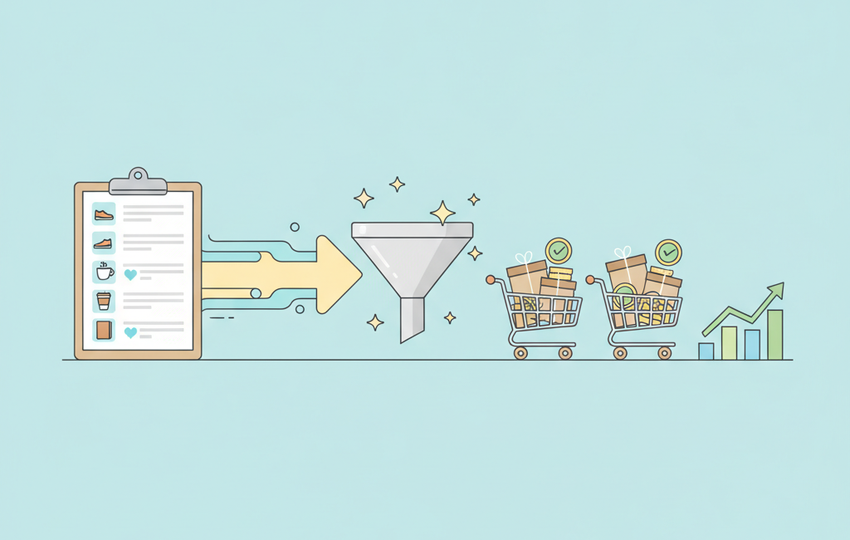
Watcher Conversion Checklist
- Check watcher counts weekly in Seller Hub and sort listings by watchers.
- For each high-watcher listing, verify total price sits at or below the sold-listing median.
- Enable automatic Send Offers at 8 to 15 percent off.
- Notify watchers with a real price drop when you have margin room.
- Never end, relist, or price-raise a listing with an active watcher base.
- Keep stock synced so the listing never dies while watchers are deciding.
Watchers are the closest thing eBay gives you to a warm lead list. Treat them like one: keep the listing stable, make one clear offer, and remove every reason to hesitate. SuperDS keeps the operational side (pricing, stock, listing quality) working while the offers do their job. Try it free.