Best Dropshipping Products Finder with Real Sales Data
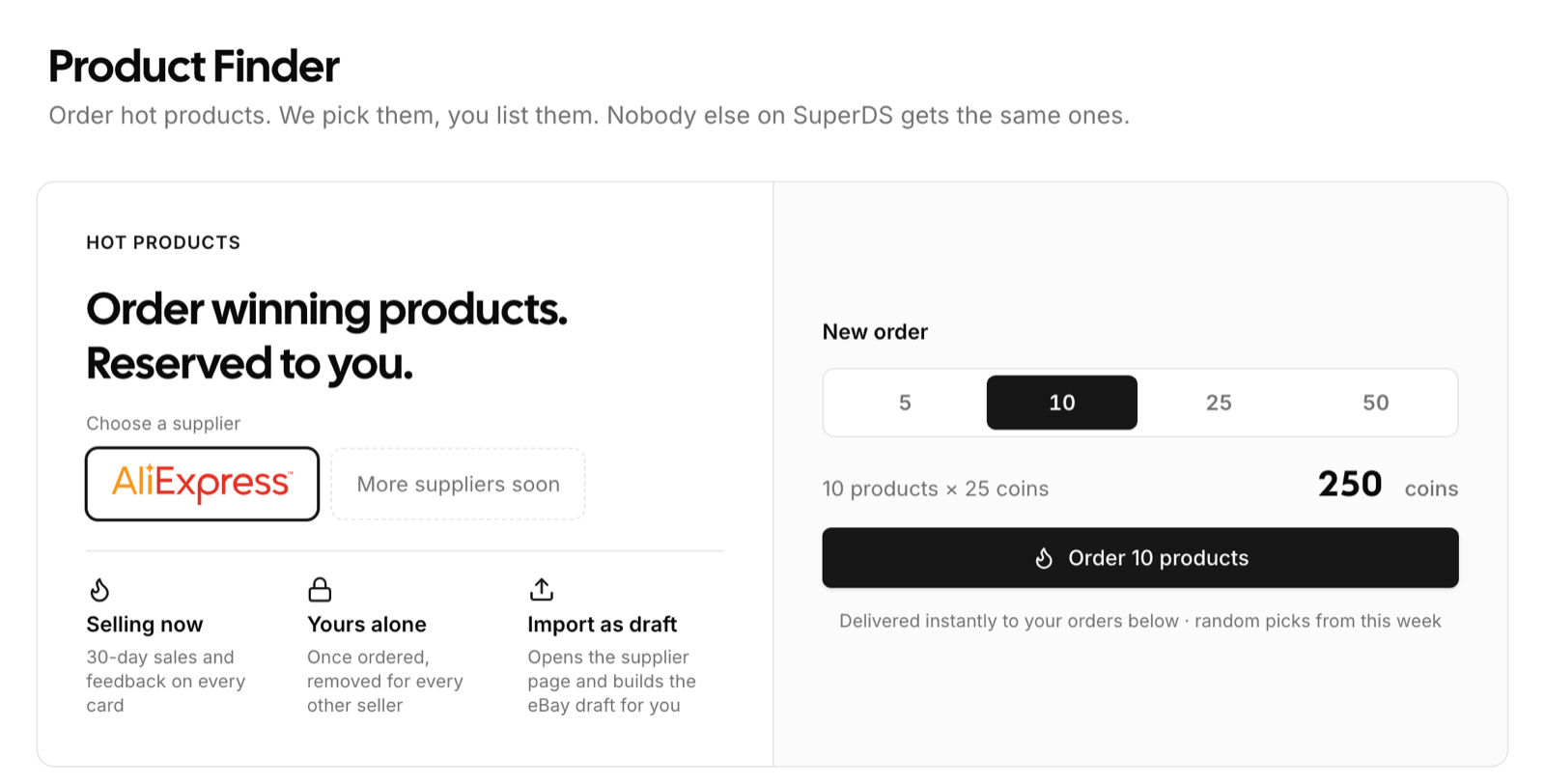
Find hot dropshipping products with real 30-day AliExpress sales data, reserved to you alone, and import them to your store as ready drafts in one click.
Product research is a filtering job. The Product Finder does the filtering for you: every week our algorithm picks out the products selling best on AliExpress right now, keeps only what a dropshipper can actually sell on eBay or Facebook Marketplace, and lets you order a batch with SuperDS coins. Each product you receive is reserved to you. No other SuperDS seller gets it.
What passes the filter
A product only reaches the pool when our system confirms all of these on the day it is reviewed:
- Selling now. At least 300 orders in the last 30 days at the supplier, not a lifetime total.
- Trusted supplier. 90 percent positive feedback or better on the listing.
- Fast enough for marketplace buyers. Delivery to the US in 10 days or less.
- Room for margin. Supplier price between $3 and $150.
- No brand risk. Titles that match the SuperDS VeRO list are thrown out before you ever see them.
- Variety. At most three products per niche and two per store, so one trend never fills your order.
The pool refreshes every Sunday. Products nobody ordered within 30 days are dropped, and the numbers on products still in the pool are refreshed by our system every week.
How to order
- Open Product Finder in your dashboard.
- Choose the supplier. AliExpress is available today, and more are on the way.
- Pick 5, 10, 25 or 50 products. Each product costs 25 SuperDS coins, so ten products cost 250 coins. See the coins guide for how to top up.
- Confirm the order. The products land in your orders list instantly.
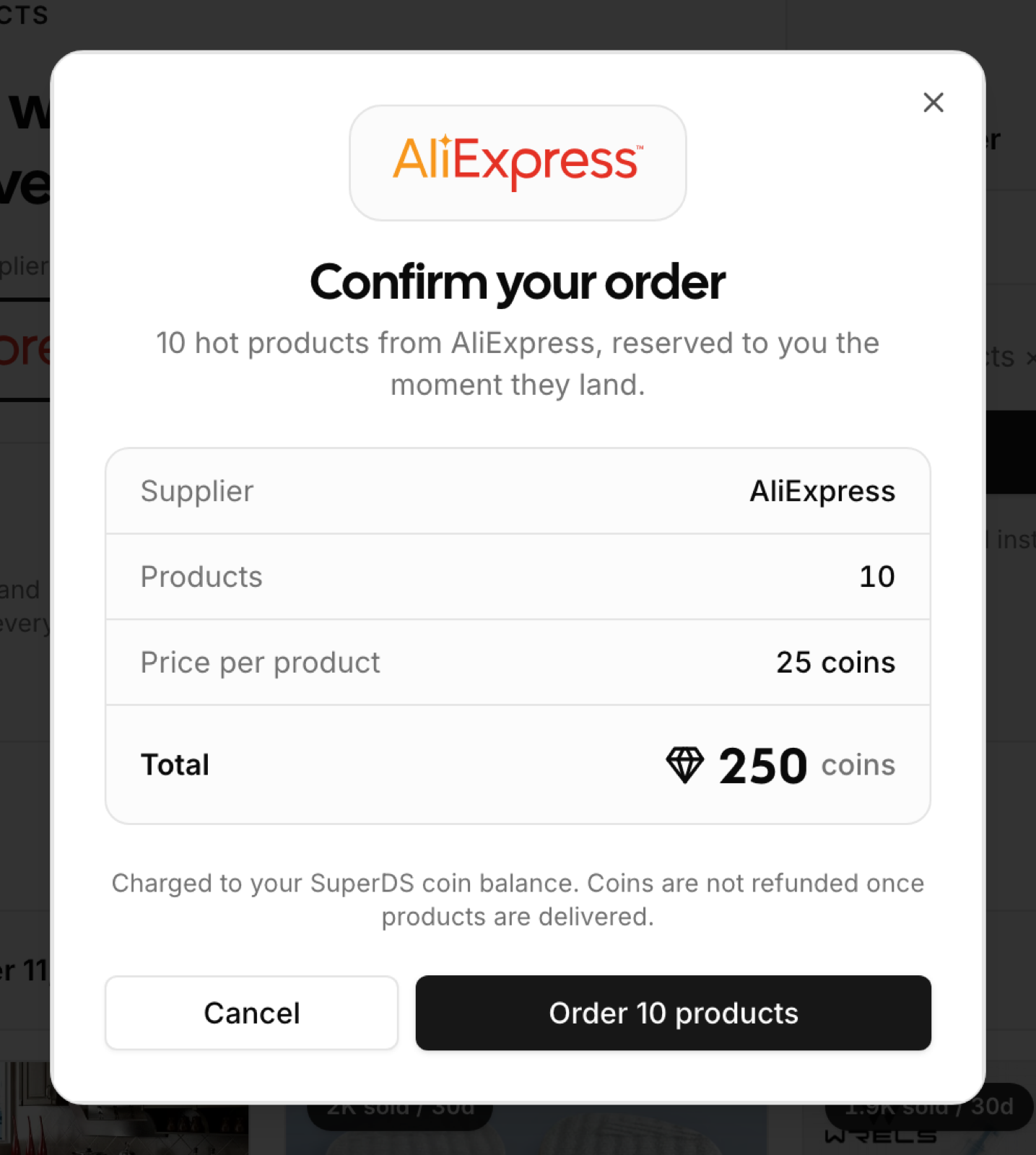
Your picks are random within the current batch. That is deliberate: random selection is what makes every product exclusive. Once it is in your order it is removed from the pool for everyone else.
What you get on every product
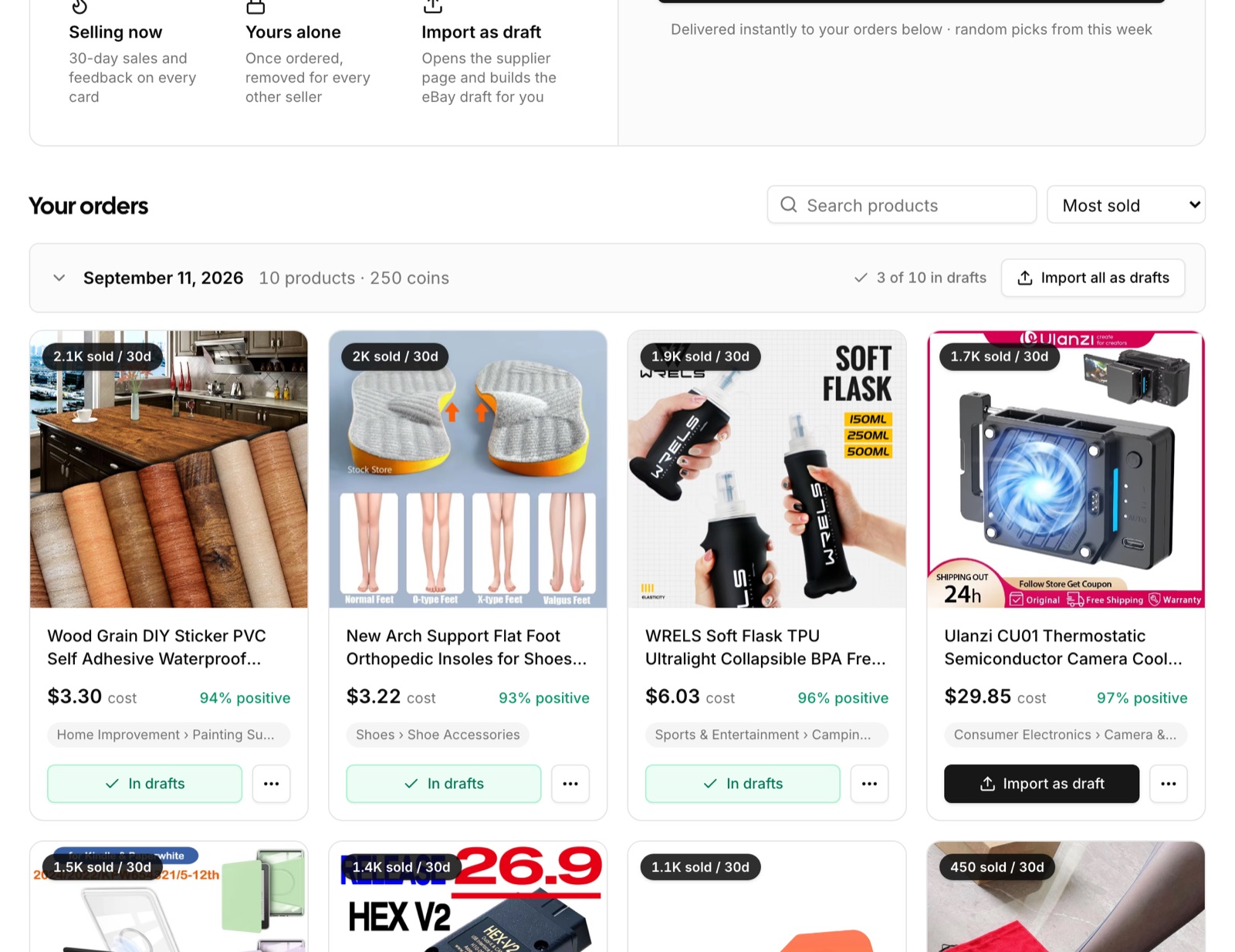
Each card shows the supplier cost, the number sold in the last 30 days, the supplier's positive feedback rate and the AliExpress category. Orders are grouped by date with a running count of how many products you have already turned into drafts.
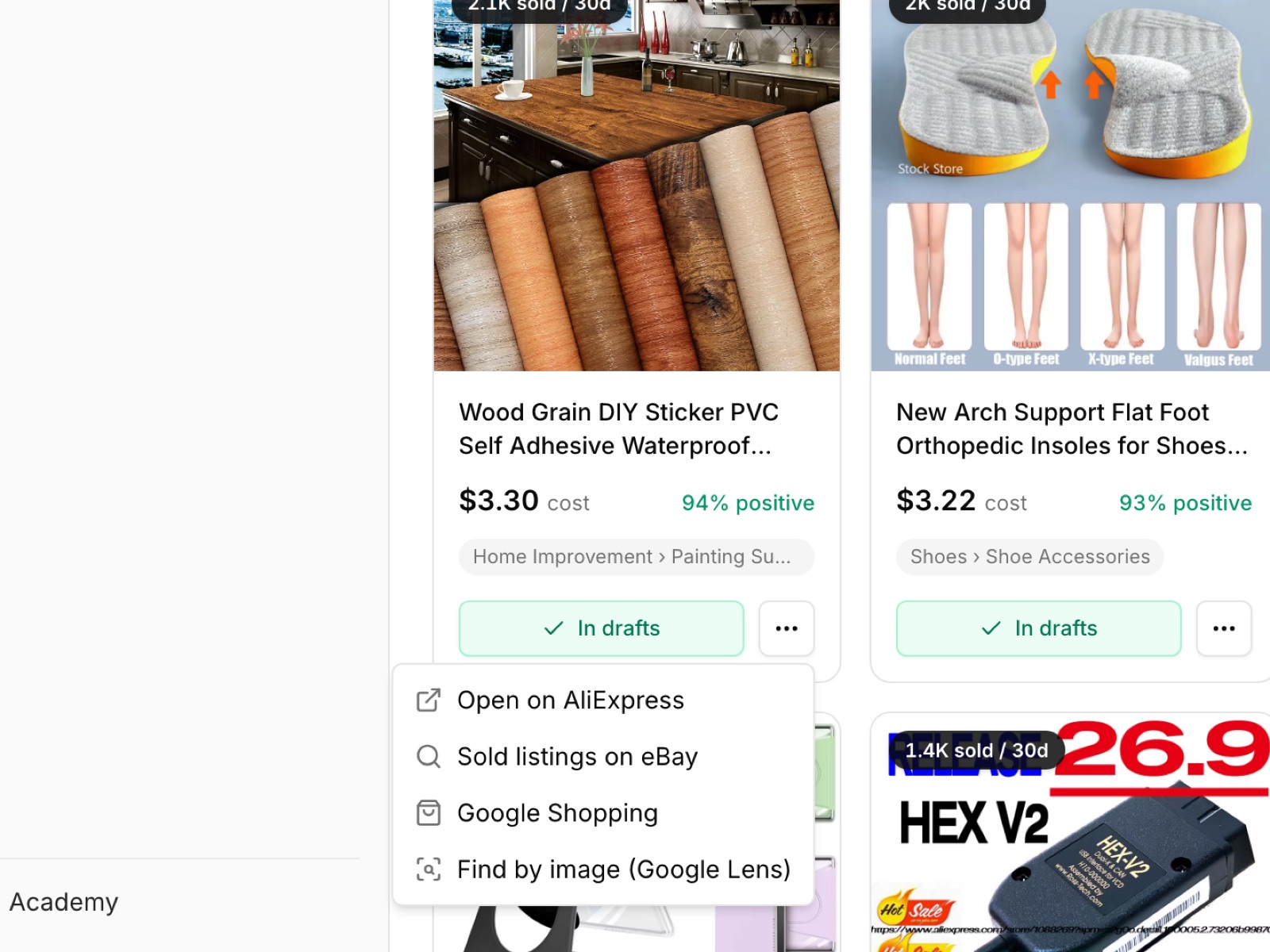
The research menu on each card opens the supplier page, eBay sold listings for the same item, Google Shopping, and a Google Lens image search, so you can check demand and competition before you list.
Import as draft in one click
Import as draft opens the supplier page through the SuperDS Chrome extension, reads the live listing with its variants, images and description, and creates a draft for your selected store (eBay, Facebook Marketplace or Shopify) with your pricing strategy applied. Click several products in a row and they queue up. Import all as drafts does a whole order. Once a draft exists the card switches to In drafts and links you to it.
After you list, the price and stock monitor keeps the listing in sync with the supplier, so a product you ordered weeks ago stays safe to sell.
Good to know
- Purchases are final. The confirmation step shows exactly what you are about to spend.
- The Product Finder currently sources from AliExpress. Drafts open in the store you have selected: eBay, Facebook Marketplace or Shopify.
- Product data is a snapshot from our weekly refresh. Sales can rise or fall afterwards, which is why the monitor matters once a listing is live.
Start with ten
Ten products is enough to find one or two that sell and few enough to watch each listing's first two weeks. Open the Product Finder, order ten, and list the ones you like best.